Essential Skills for Web & Application Development
Published :

HTML Basics: Introduction to Web Development
HTML (HyperText Markup Language) is the standard markup language used to structure web pages — defining content like headings, paragraphs, images, and links that browsers render for users.
Every HTML document starts with a <!DOCTYPE html> declaration, followed by the <html> root, a <head> for metadata, and a <body> for visible content.
Learning HTML is the first essential step in web development and builds the foundation for creating websites.
- HTML Fundamentals – Full Playlist
- HTML Basics – Comprehensive Playlist
- HTML Fundamental Concepts (Single Video)
CSS Basics & Bootstrap for Web Design
CSS (Cascading Style Sheets) lets you style HTML — defining layouts, colors, fonts, spacing, and visual themes for web pages. It’s essential for crafting custom, responsive appearances. Bootstrap is a free front-end framework built on HTML, CSS, and JavaScript that provides a responsive grid system, reusable UI components (buttons, navbars, forms), and utility classes to accelerate modern web design without writing all CSS from scratch. It’s widely used to build mobile-friendly layouts quickly and consistently.
- Learn Practical CSS & Bootstrap – Tutorial Playlist
- CSS & Bootstrap Fundamentals – Standalone Tutorial
JavaScript Basics – Beginner Guide
JavaScript is a versatile scripting language used to make websites interactive and dynamic — powering animations, responsive UI behaviors, form validation, and event-driven actions in browsers. It works alongside HTML and CSS to bring web pages to life and can run both in the browser and on servers. Core concepts include variables, data types, functions, loops, and conditional logic, which form the foundation of programming in JavaScript. Mastering these basics is essential for modern web development and building interactive applications.
Database Basics — Beginner Overview
Database is an organized collection of data for easy storage, retrieval, and management. It’s critical in applications from businesses to software systems.

- Types of Databases : Relational (table-based) and non-relational (NoSQL) databases and their use cases.
- DBMS Overview : Database Management System software handles storing, querying, updating, and managing data.
- Relational Model Essentials : tables with rows/columns, keys (primary/foreign), and relationships.
- SQL Basics : Using SQL to create tables, insert, update, delete and retrieve data (CRUD operations).
- Practical SQL Queries : Commands like SELECT, joins, filtering, and simple functions demonstrate how to interact with data.
SQL Basics – Learn Structured Query Language
SQL (Structured Query Language) is used to interact with relational databases. Data in relational databases is stored in tables with rows and columns.
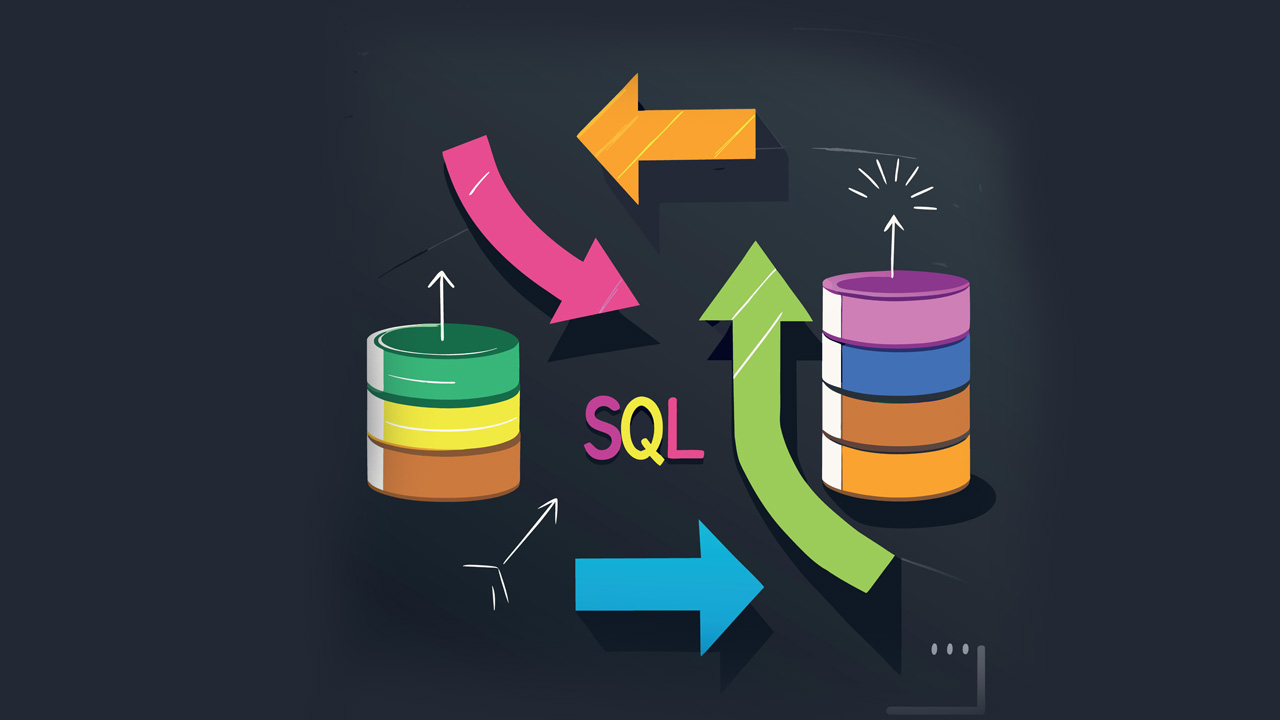
- SELECT retrieves data from tables.
- INSERT adds new records to a table.
- UPDATE modifies existing records.
- DELETE removes records from a table.
- SQL works across databases like MySQL, PostgreSQL, and SQL Server.
Understanding core concepts like tables, keys, queries, and relationships is fundamental to building and interacting with data-driven applications.
- Foundational SQL Tutorial – Full Playlist
- SQL Basics – Standalone Tutorial
- SQL Fundamentals – Another Core Tutorial
No-Code & Low-Code Basics — Simplifying App Development
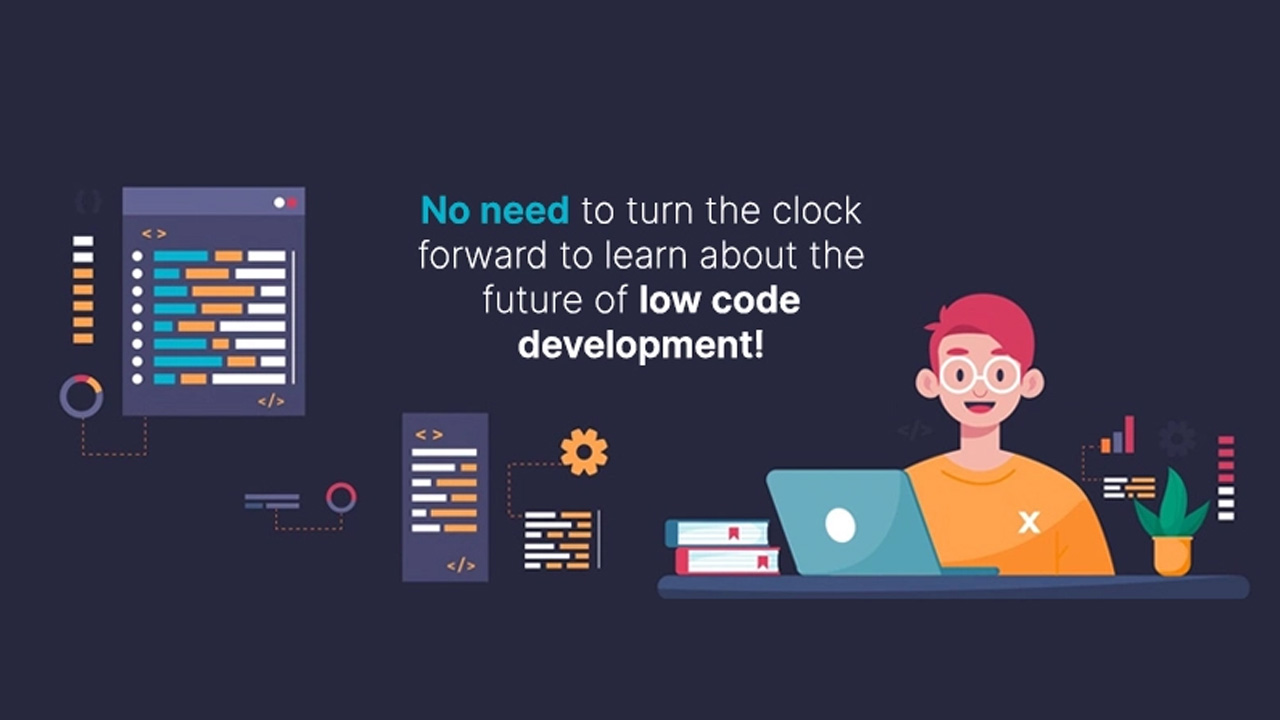
No-code development lets anyone build functional applications entirely through visual tools and drag-and-drop interfaces — without writing any code at all. This empowers non-technical users to automate workflows and prototype quickly. Low-code platforms also use visual components but allow a small amount of coding for customization and flexibility, making them suitable for more complex or enterprise-grade applications. Both approaches dramatically speed up application delivery and reduce reliance on traditional coding.
Simple Debugging Mechanisms – A Beginner’s Guide
Debugging is the process of finding, isolating, and fixing errors (“bugs”) in software code so programs work correctly and reliably. It begins by reproducing the problem, locating the issue, and then testing fixes to confirm the error is resolved. Common techniques include using debugging tools with breakpoints, stepping through code one line at a time, inspecting variable values, and adding log or print statements to trace execution flow. These basic mechanisms help developers understand program behavior and correct unexpected outputs efficiently.